
Connect Google Health to Health Connect
In order to connect Google Health to Health Connect, you must first have the Health Connect app downloaded to your phone.
To download the Health Connect app, see this article: https://help.trainwell.net/en/articles/508032
From the Google Health app:
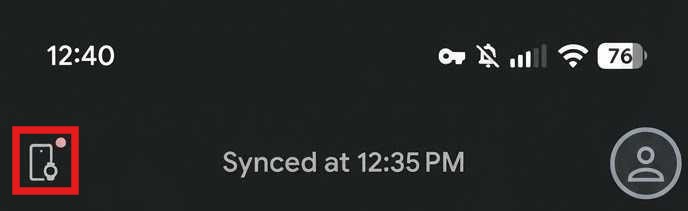
Tap on the devices icon in the upper left corner
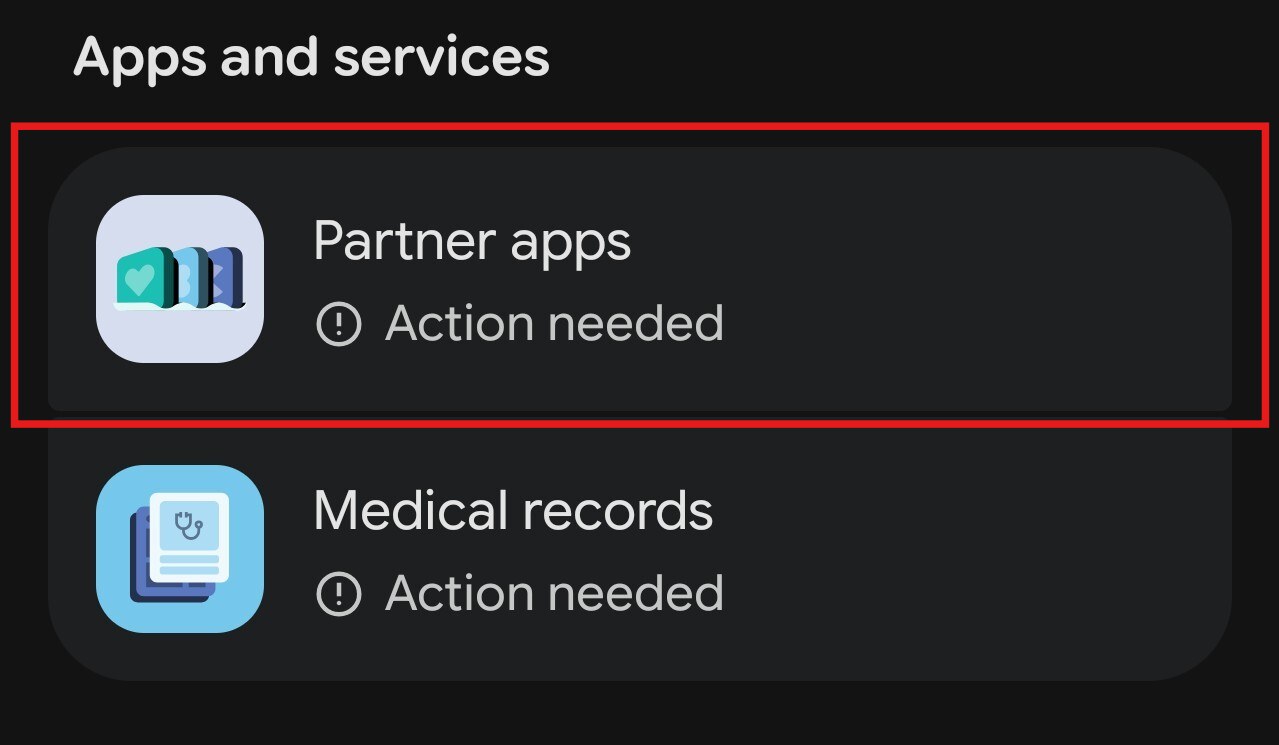
Select Partner apps
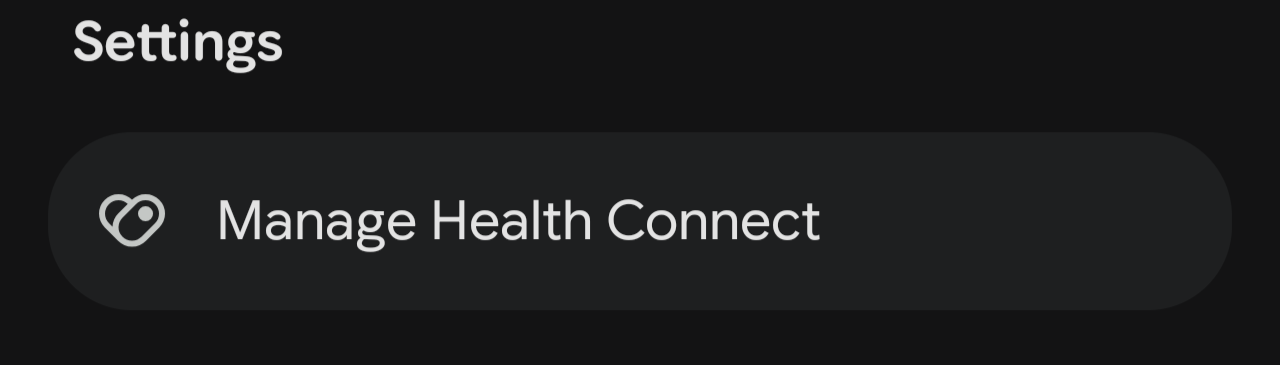
Under Settings, select Manage Health Connect
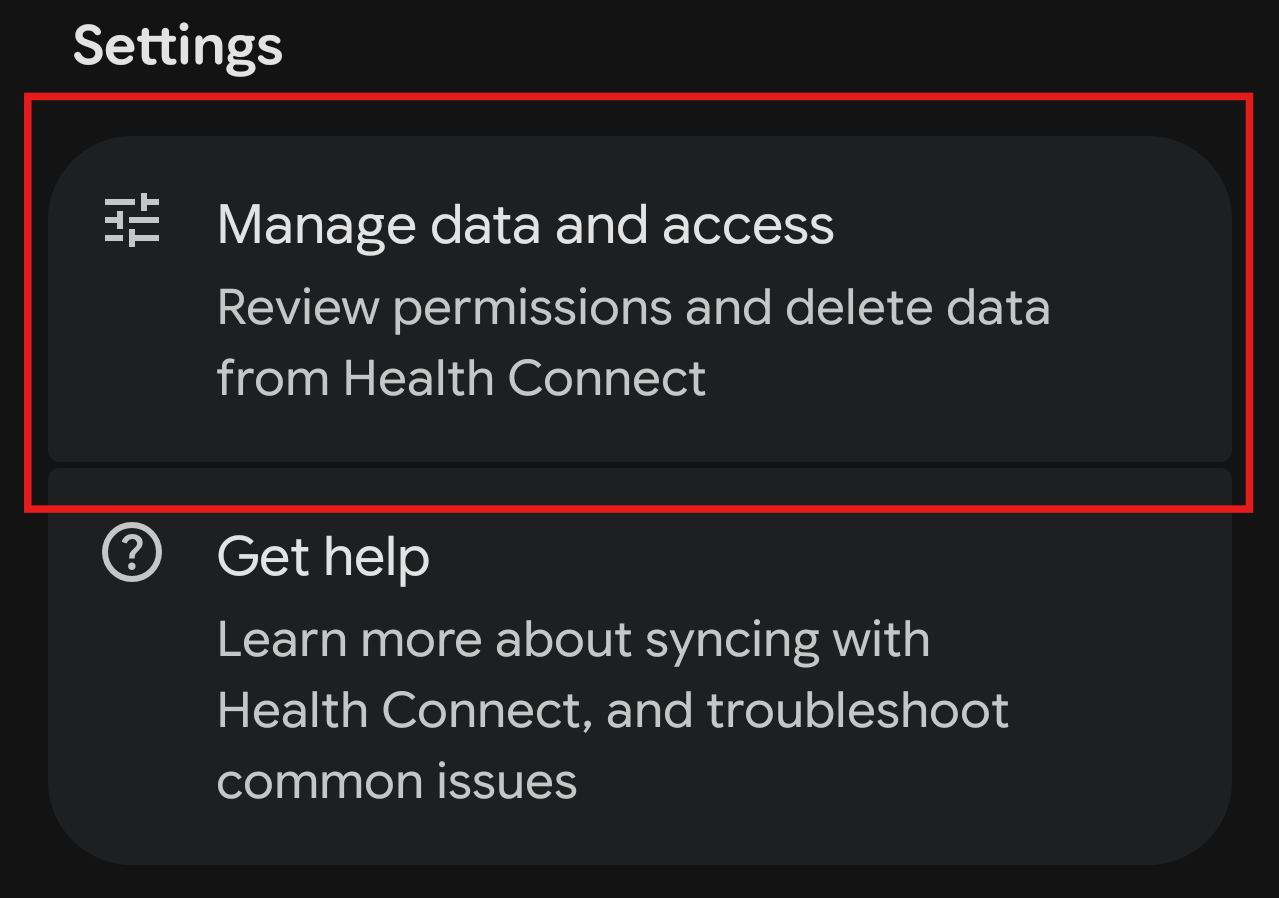
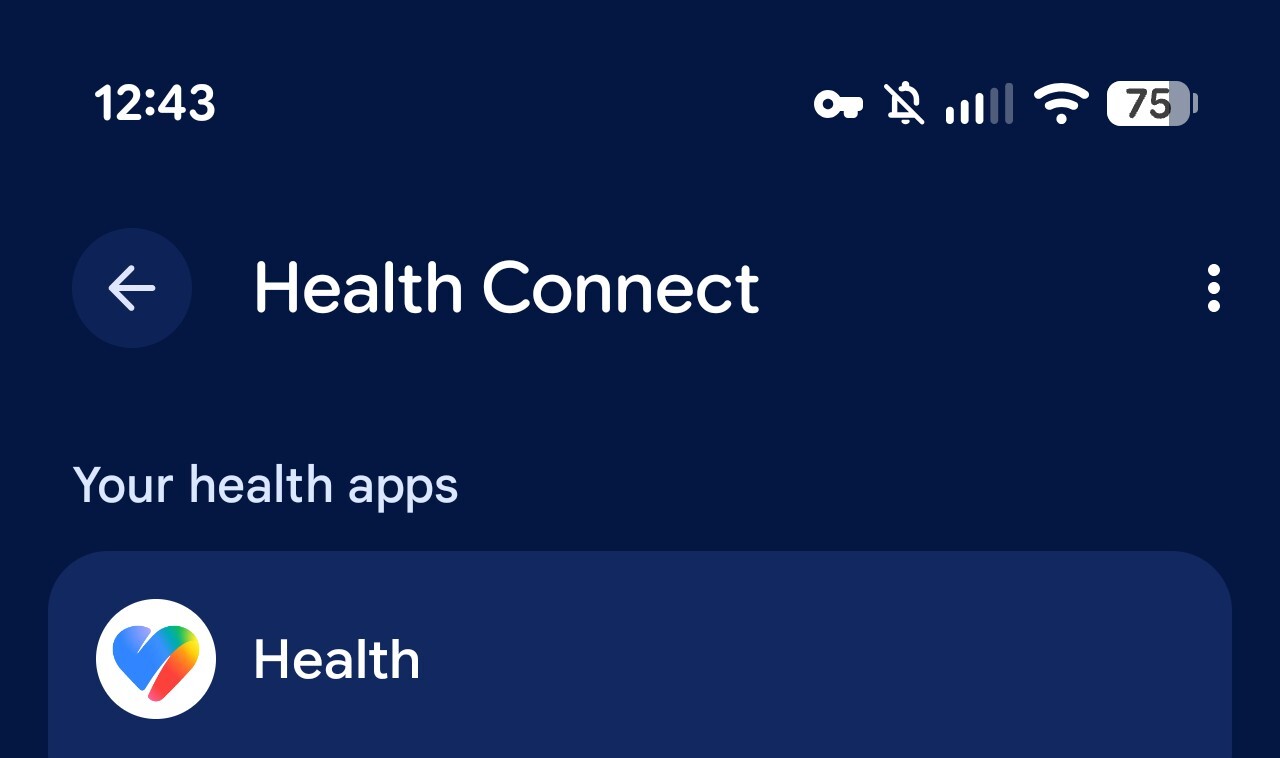
Under Settings, select Manage data and access
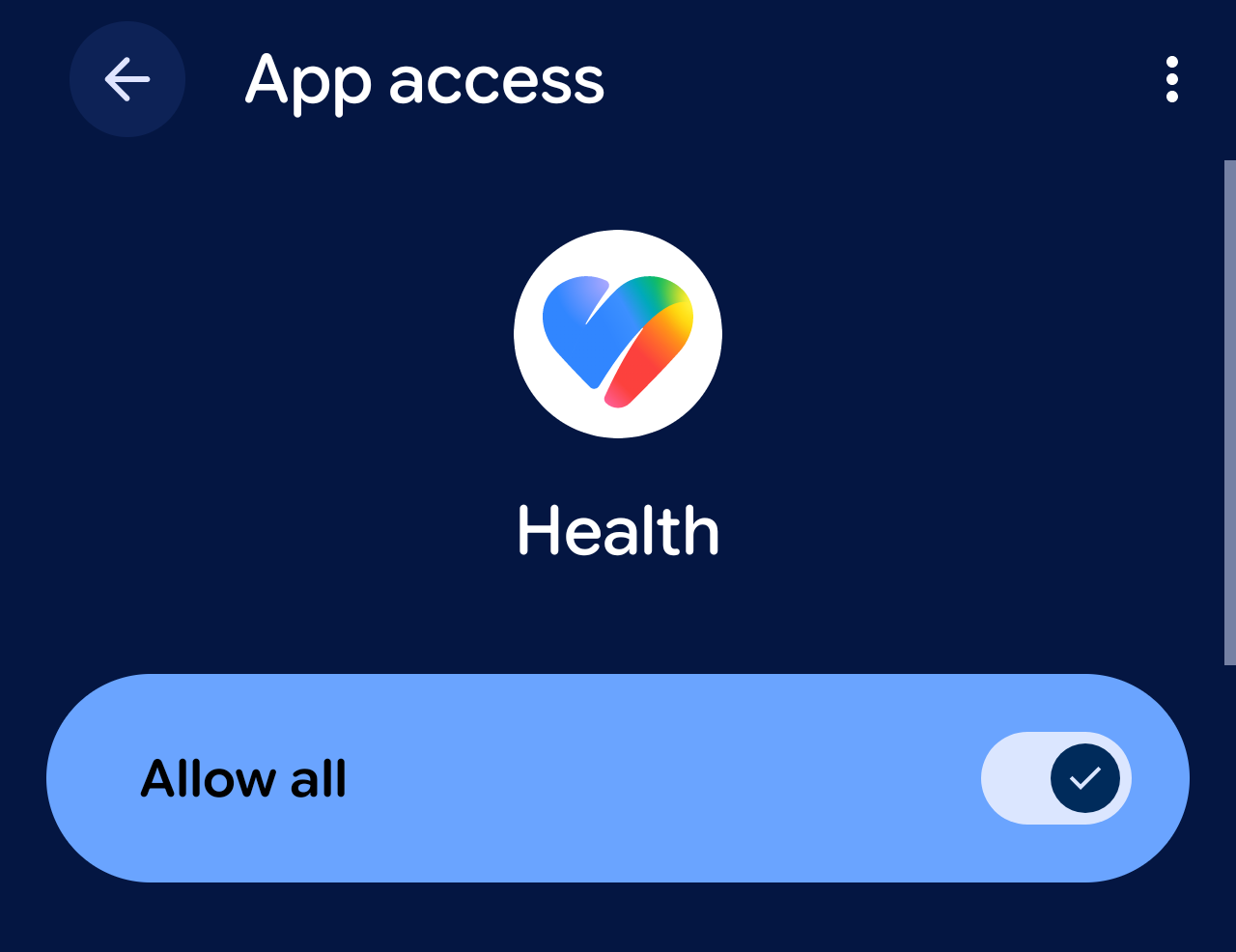
Click Health under Your health apps
Toggle Allow all
For iPhone users:
If you are using an iPhone, you can connect Google Health to Apple Health instead:
From the Google Health app, tap Connections in the upper left corner, then select Apps and services
Under Add connections, select Apple Health
Tap Get started
Follow the on-screen prompts to authorize the connection and grant the necessary permissions
Once permissions are granted, a confirmation page will appear. Tap Done