
Use Control Center on your Apple Watch
Edited
In the Control Center, you can see if your Apple Watch is connected to Wi-Fi, cellular, or your iPhone
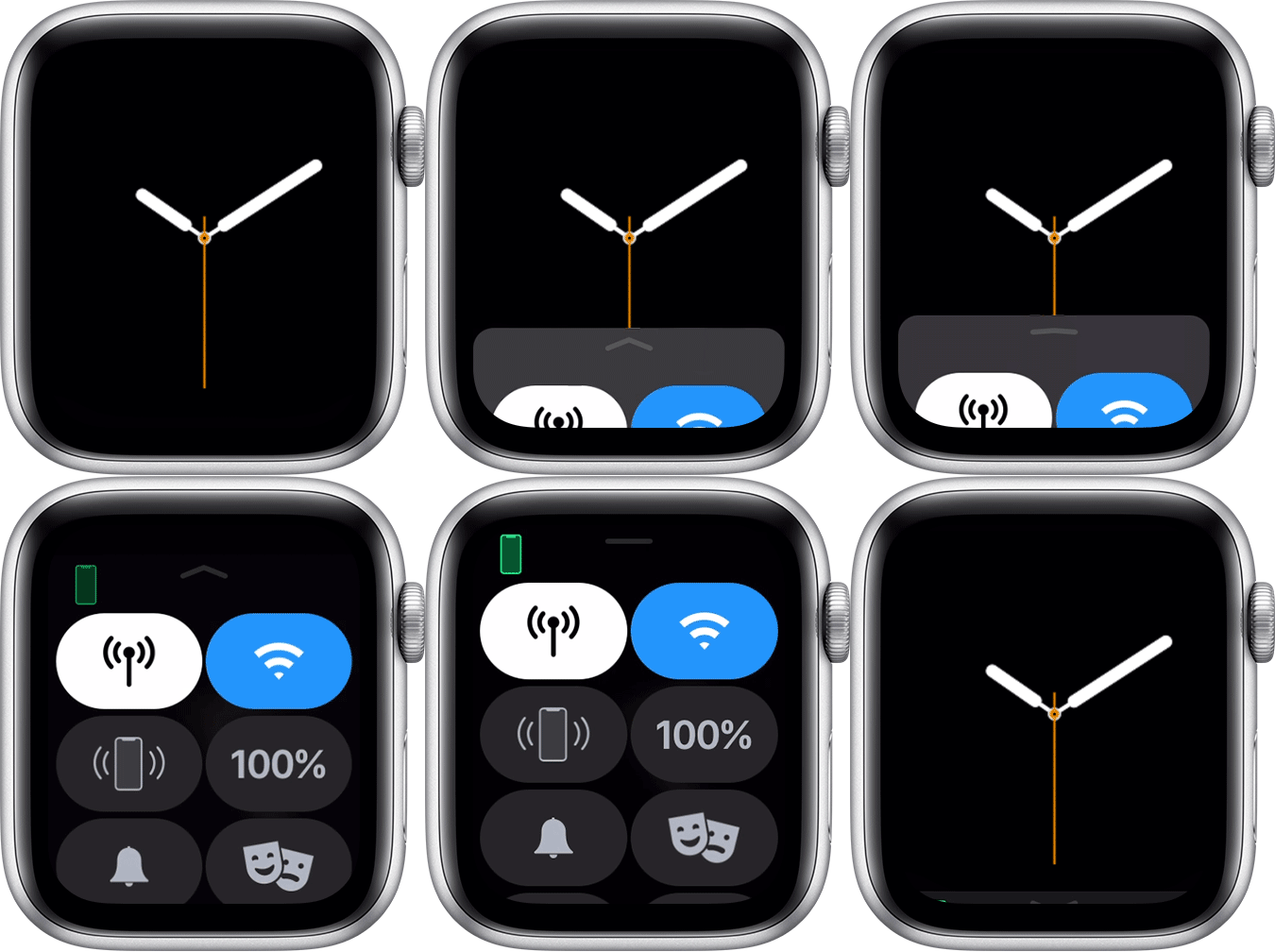
Open Control Center
Touch and hold the bottom of the watch face
Wait for Control Center to show, then swipe up
Close Control Center
Swipe down from the top of the watch face, or press the digital crown
Apple Support
Was this article helpful?
Sorry about that! Care to tell us more?