
Listening to Music During Your Workout 🎵
Edited
Peloton Personal Trainer (PPT) does not include built-in music.
Instead, you can listen to music, podcasts, or audiobooks from any app that supports background audio while completing your workout!
Popular options include:
Spotify
Apple Music
Amazon Music
YouTube Music
Pandora
Audible
...or any other music or audio app you prefer.
How to Listen While You Work Out
Open your preferred music or audio app.
Start playing your music, podcast, or audiobook.
Return to the Peloton Personal Trainer app.
Start your workout.
Your audio will continue playing in the background while you exercise.
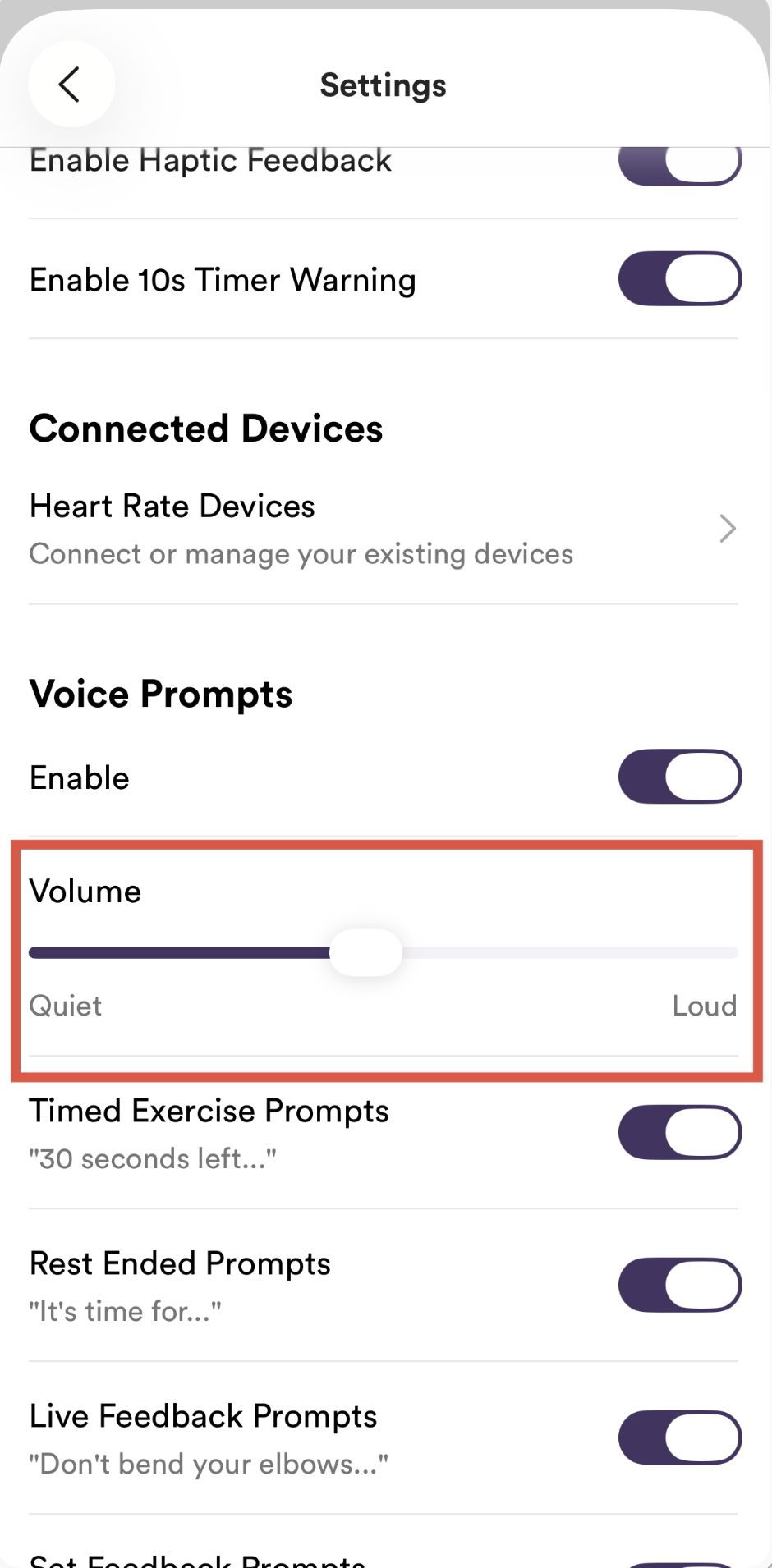
🔊 Adjusting Trainer Voice Volume
If your music is louder than the trainer's voice:
Open Peloton Personal Trainer Settings.
Increase the Trainer Voice Volume slider (shown below).
Lower the volume in your music app if needed.
Was this article helpful?
Sorry about that! Care to tell us more?