
Login to the Peloton Personal Trainer App
Edited
How to login to the Personal Trainer app:
On your mobile device, open the Peloton Personal Trainer app
Input the phone number or email address associated with your account, then tap Log In
If you used your phone number to login, check the Messages app for a new text message. Input the 6-digit login code.
If you used your email to login, check your inbox for a new message. On your device, open the login link
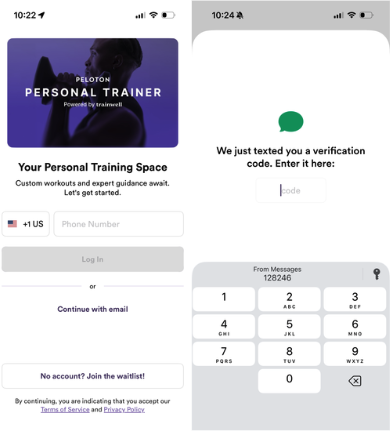
You will then be prompted to connect your Peloton account.
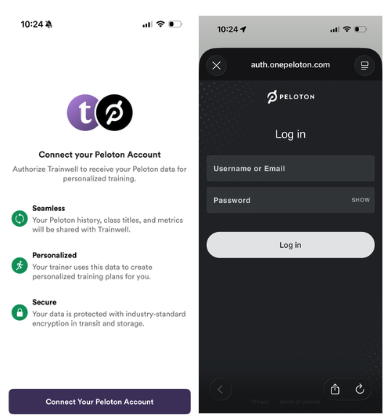
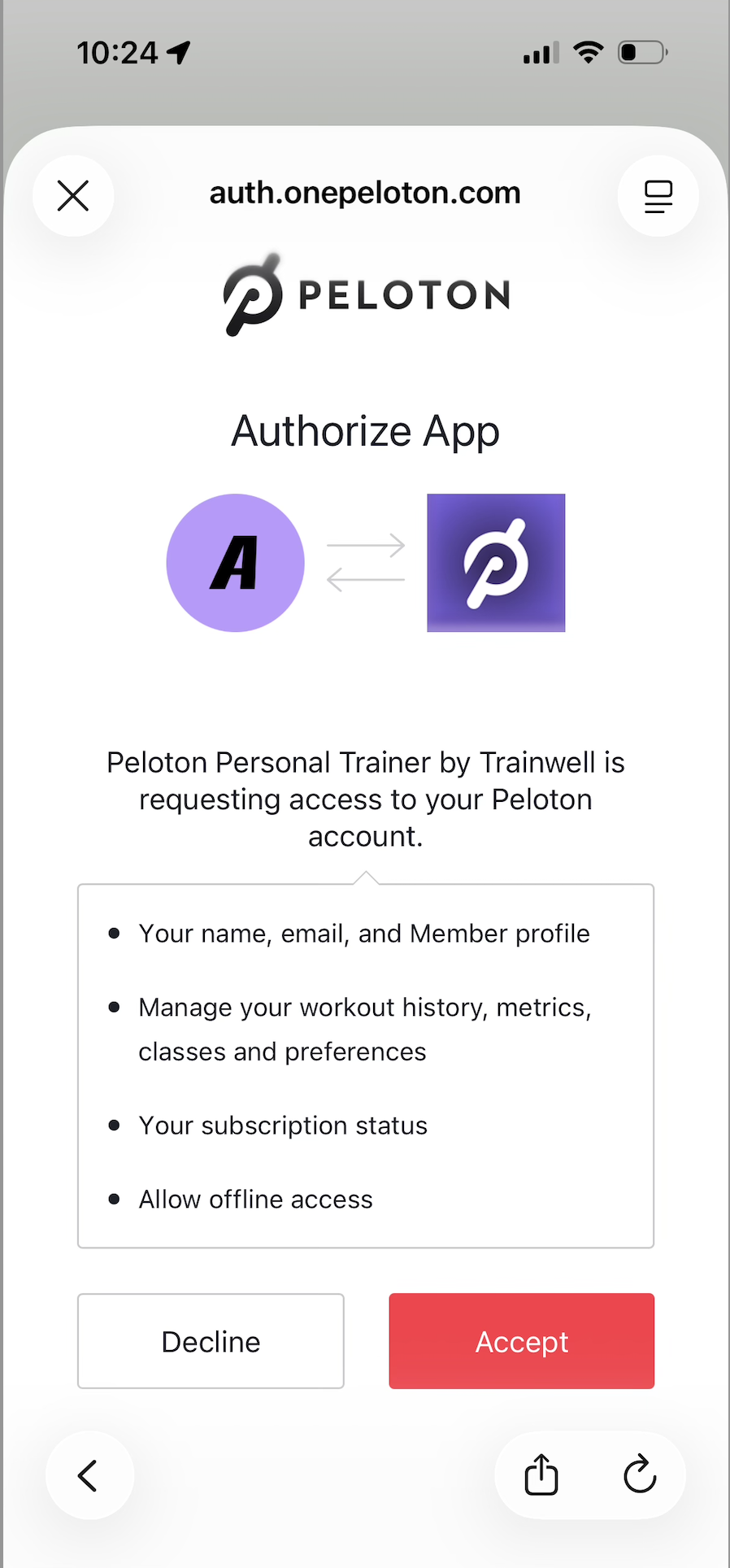
After logging into the Peloton app, you will need to allow Peloton Personal Trainer to access your Peloton account.
*If you are looking for assistance logging into the Trainwell app: Click here!
Was this article helpful?
Sorry about that! Care to tell us more?