
Start a Workout
Edited
IPhone (See below for Android)
On your iPhone, open the trainwell app
Go to the Today tab, then tap a workout from your To Do list
Tap Start Workout
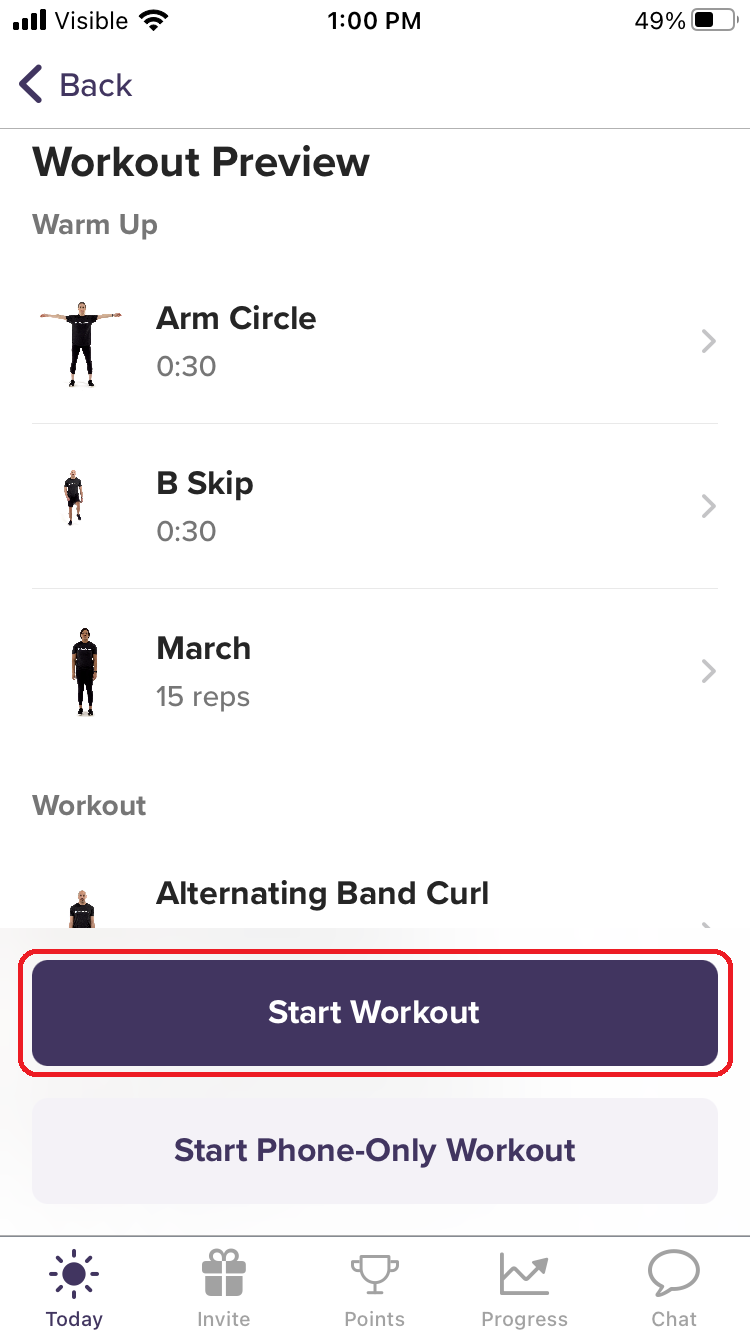
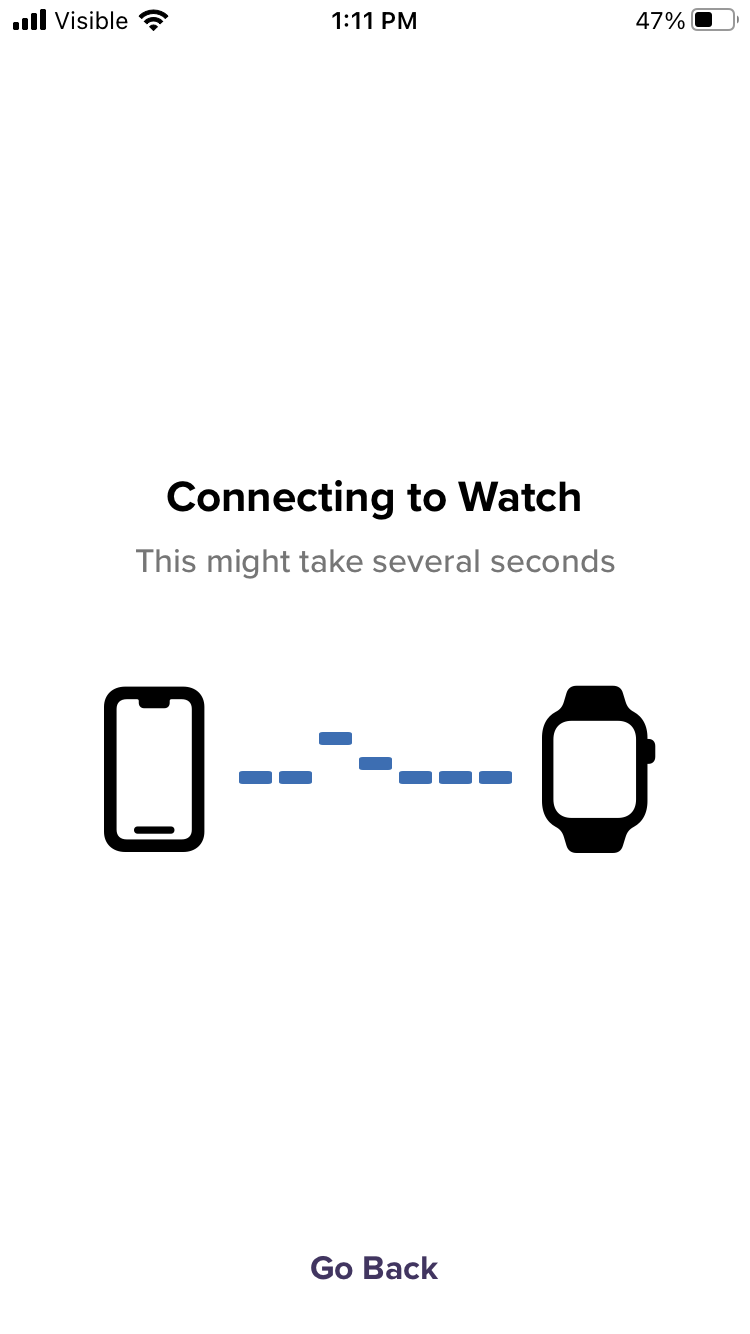
The trainwell app will automatically connect to your Apple Watch and load the workout
Press Start to begin the workout
Start a Phone-Only Workout (for Apple Watch owners)
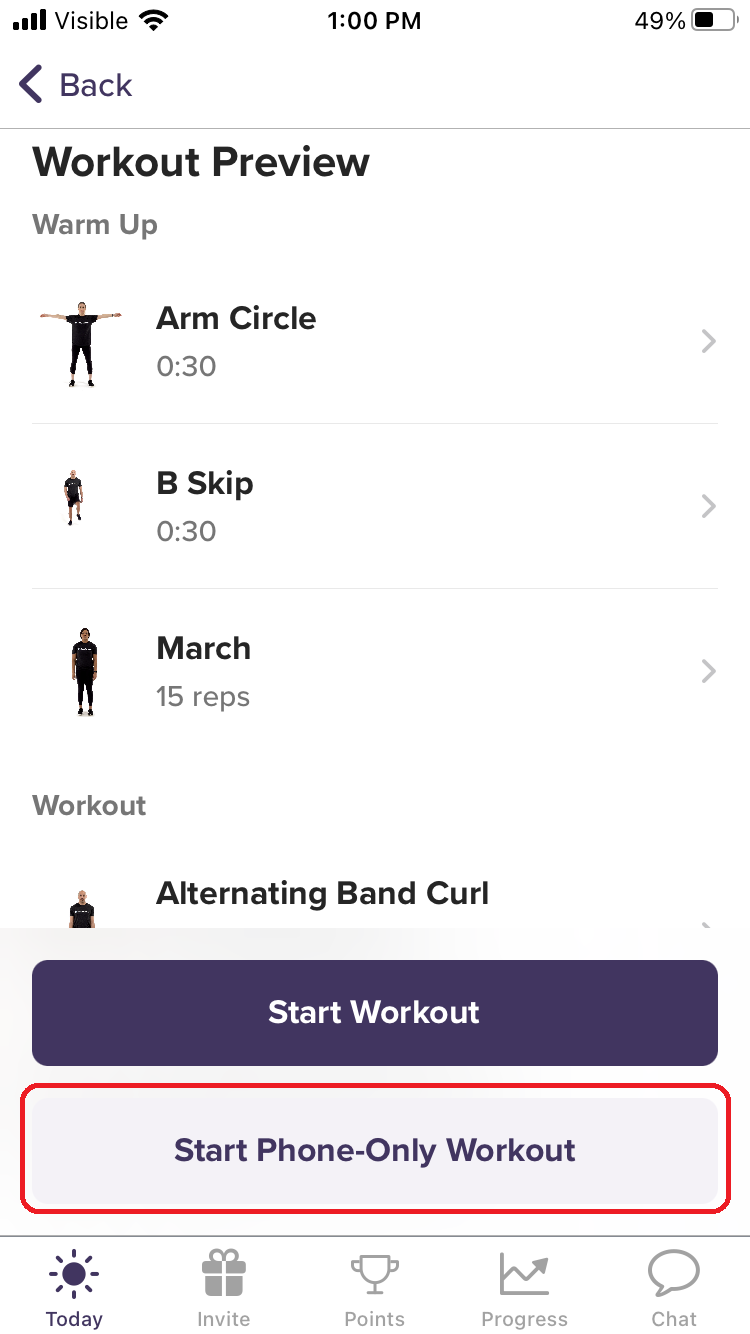
Tip: If you’re having connection problems between your iPhone and Apple Watch you can instantly start a phone-only workout
On your iPhone, open the trainwell app
Go to the Today tab, then tap a workout from your To Do list
Tap Start Phone-Only Workout
Press Start to begin the workout
Was this article helpful?
Sorry about that! Care to tell us more?